Private
by design.
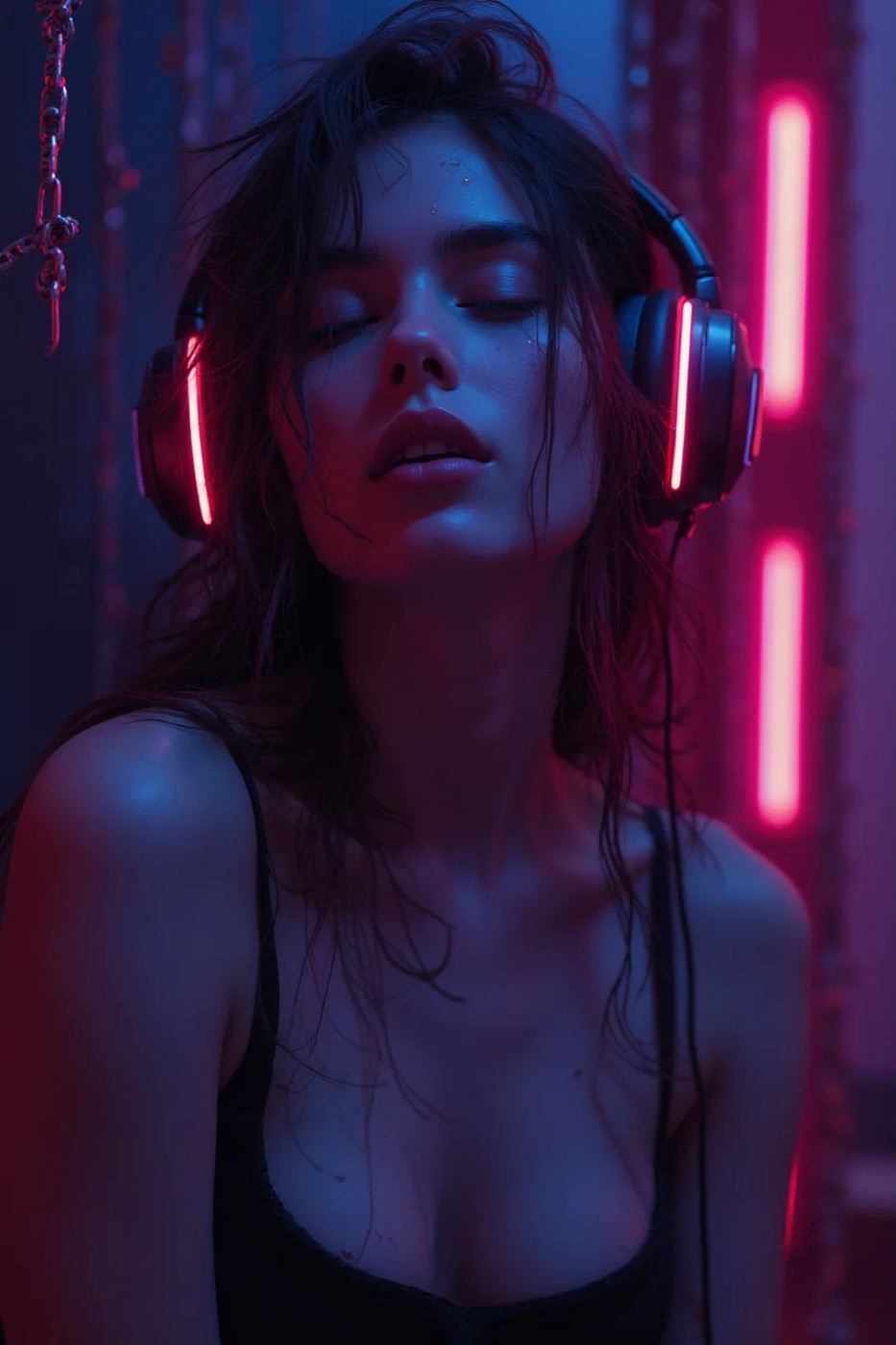
Audio is already the most private adult format — there is nothing on the screen and it looks like a podcast — but a few settings make it airtight: use headphones, choose an app with a discreet icon and no account requirement, turn off lock-screen media previews, and use a sleep timer so nothing keeps playing after you drift off.
What people actually worry about
Someone seeing the screen. Someone hearing it. A lock-screen “Now Playing” card. An app icon on the home screen. Account emails. Each has a simple fix.
The checklist
- Headphones. Obvious, but also necessary: binaural stories are designed for them. Earbuds are the least conspicuous.
- Discreet icon. Vibe’s app icon is a plain wordmark that does not reveal what the app is. You can also move it into a folder or off the first home-screen page.
- No account. Vibe does not require an account to start listening, so there is no email trail and nothing to be signed into on another device.
- Lock-screen and Control Centre. On iPhone, Settings → Face ID & Passcode → “Allow access when locked” lets you hide Control Centre, where the Now Playing card lives. You can also start playback and then lock the phone with the screen off.
- Sleep timer. Set it so the story fades out on its own if you fall asleep; nothing continues playing into the morning.
- Offline listening. Download stories in the app so nothing streams over a shared or work network.
- Website. This site sets no cookies and has no tracking; there is nothing to clear afterwards.
Sharing a device or a bed
If you share a phone, use a separate Apple ID or Screen Time restrictions rather than trusting an app to hide itself. If you share a bed, the relaxing and ASMR stories are quiet by design — see the ASMR collection — and a low volume with the sleep timer running is enough.